mainbhionline › QR code visiting card
QR code visiting card that never needs reprinting
Put one QR code on your counter, bills and visiting cards. Customers scan it with their phone camera and your digital visiting card opens, ready to call, WhatsApp, find your shop or pay.
Scan, open, contact. That’s it.
Customer scans
With the phone camera or Google Lens. No QR app needed on most phones.
Your card opens
Your business card with call, WhatsApp, directions, catalogue and save contact.
They reach you
One tap to call, chat, order, book or pay. No typing your number.
Not just a QR code with a phone number
A plain QR that stores your number or a contact file is fixed for ever. Your mainbhionline QR code opens your live card instead.
Edit without reprinting
Change your number, timings, products or design any time. The QR code stays the same, so printed codes keep working.
More than contact details
Catalogue, offers, directions, reviews and, on Standard and up, online orders, bookings and UPI payments.
Print-ready file
Download your QR code as an image from your dashboard and print it at any size.
See your scans
Premium and Business show how many times your card has been viewed.
Put your QR code everywhere customers see you
Tips for printing your QR code
- Print it at least 2.5 cm (1 inch) wide on visiting cards, larger on counters and boards.
- Keep dark code on a light background, with a clear margin around it.
- Add a short line next to it, like “Scan to call, WhatsApp or see our menu”.
- Scan the printed proof with two different phones before printing in bulk.
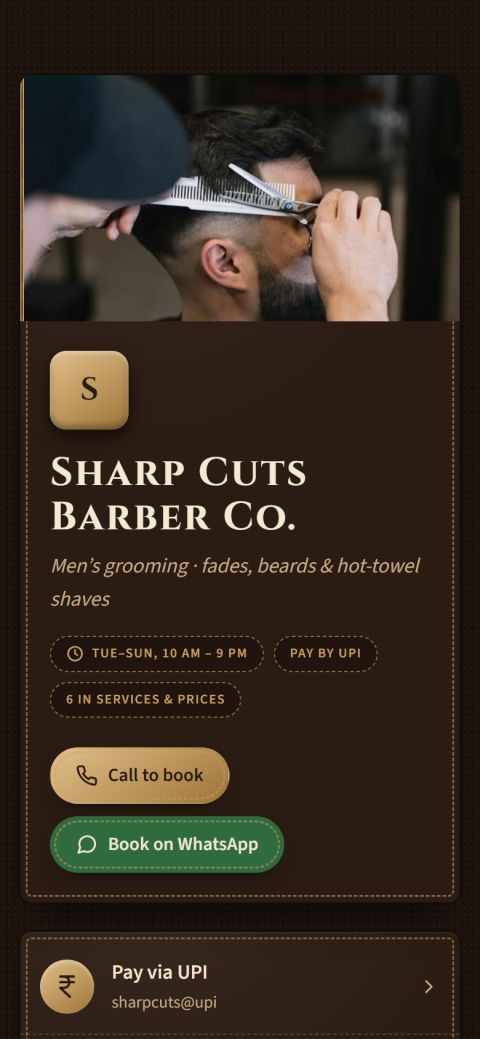
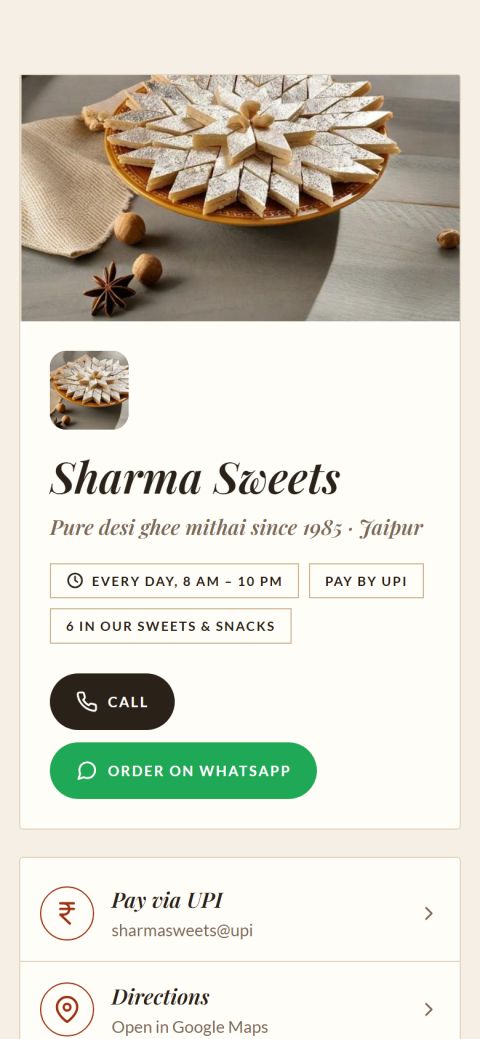 Sharma SweetsHeritage design · tap to open
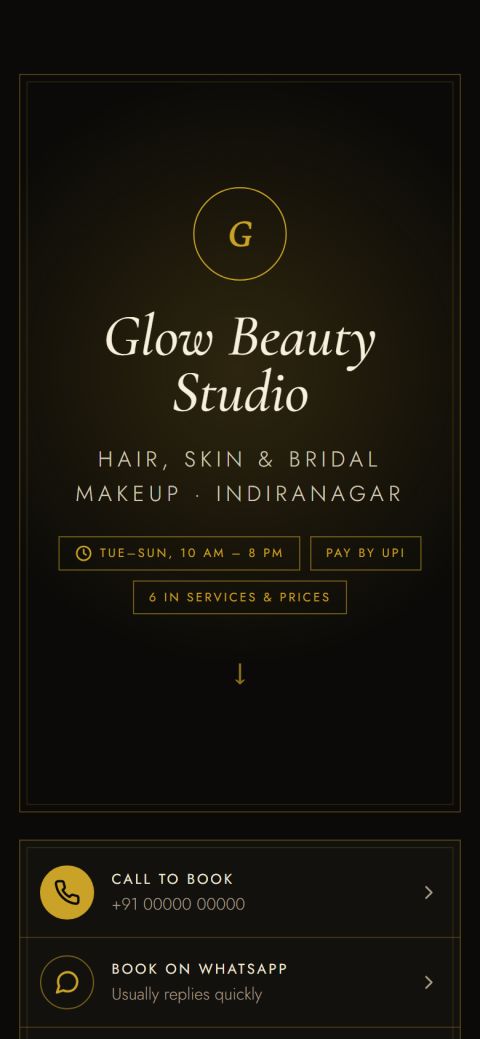 Glow Beauty StudioLuxe design · tap to open
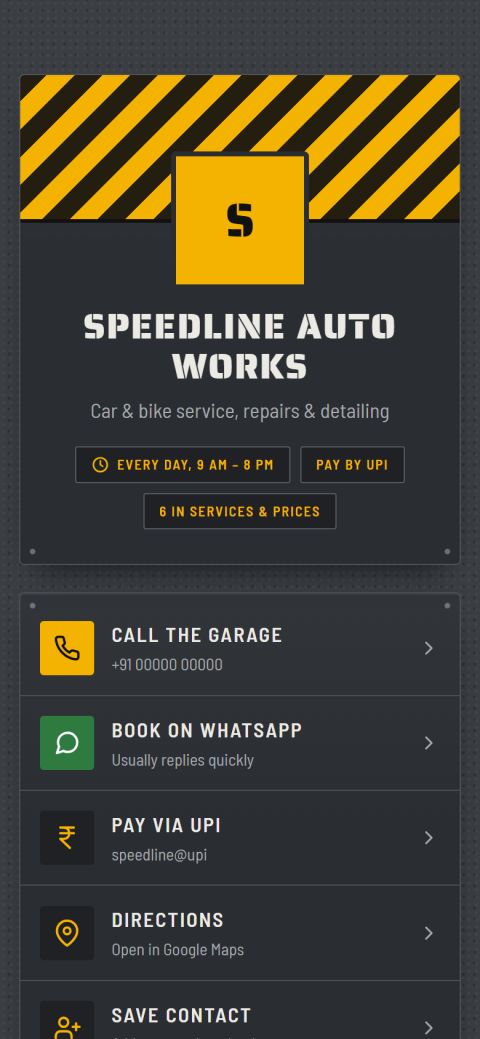 Speedline Auto WorksGarage design · tap to open
Questions about QR code visiting card
How do I create a QR code for my business card?
Create your mainbhionline card (it takes about 2 minutes) and your QR code is made for you. Download it from your dashboard and add it to your visiting card design or print it on its own.
Will my QR code change if I edit my details?
No. The QR code points to your card link, so you can change your phone number, timings, products or design and every printed QR code keeps working.
Can I put the QR code on my printed visiting cards?
Yes, that’s the most common use. Anyone who gets your paper card can scan it to call, WhatsApp or see your full catalogue. mainbhionline gives you the QR file; any local printer can print the cards.
Does the QR code work on every phone?
It works with the built-in camera on most Android phones and iPhones, and with Google Lens. The card opens in the normal browser; no app is needed.
Is the QR code free?
Your QR code is included with your card on every plan, including the 14-day free trial.
Make your visiting card today
Free for 14 days, no payment details needed. Your card link and QR code are ready in about 2 minutes.