Your visiting card,
one scan away.
Your digital visiting card with a QR code: customers scan it and land on your own mini-website, ready to call, order, book, pay and review your shop.
- 14 daysfree trial
- 60 designsfor every business
- 2 minutesto go live

Every kind of local business
If your customers call, WhatsApp or walk in, mainbhionline gives them everything in one place.
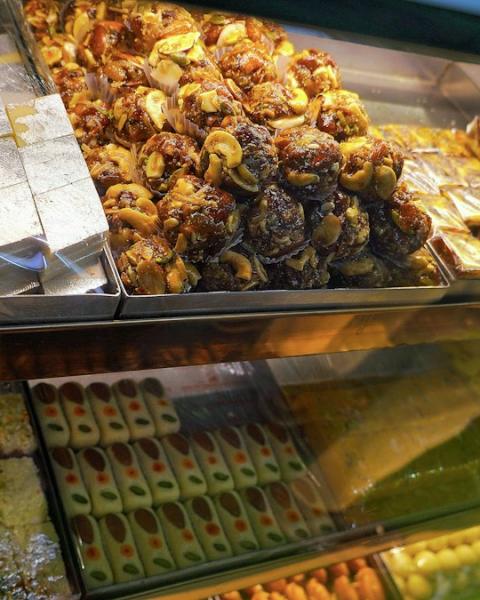 Sweet shops
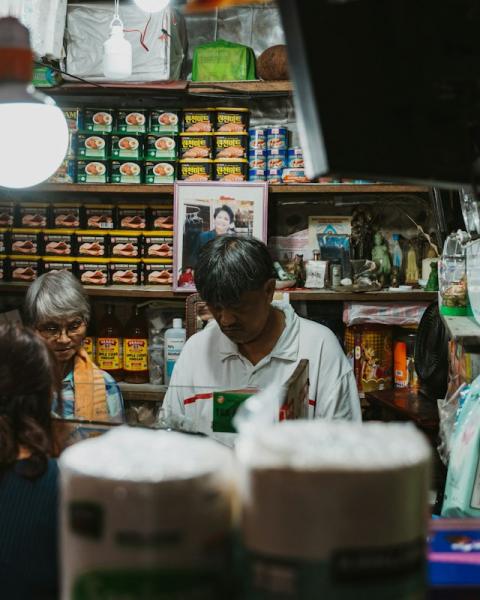 Kirana stores
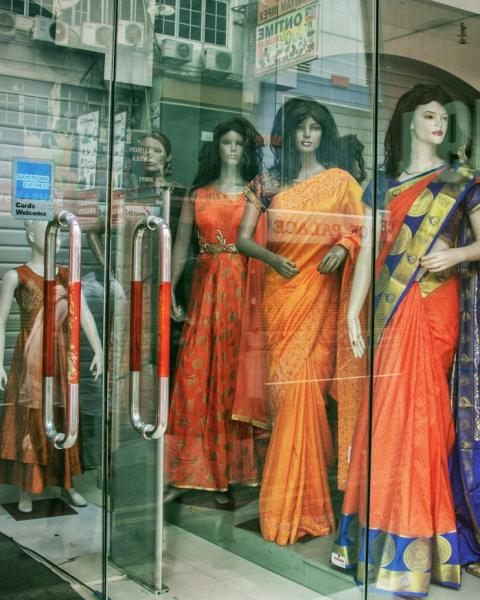 Saree boutiques
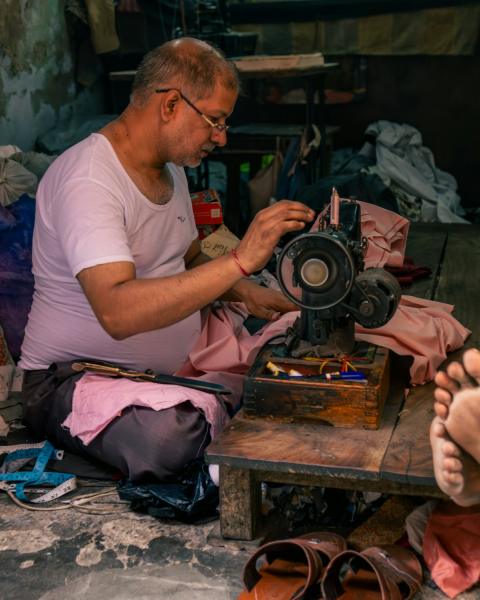 Tailors & menswear
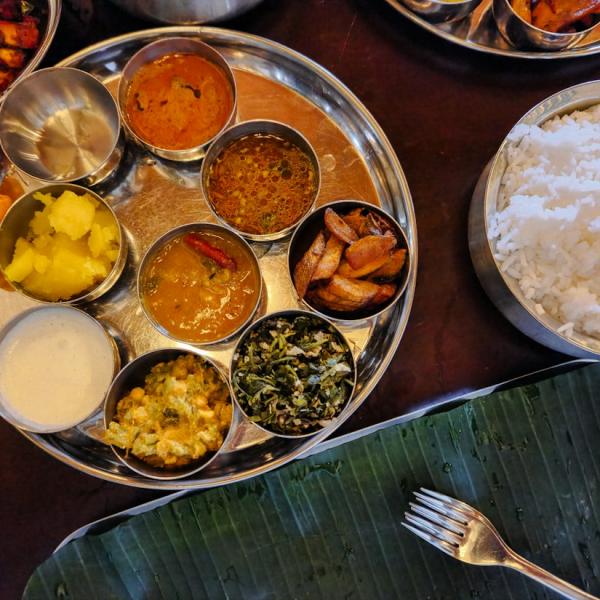
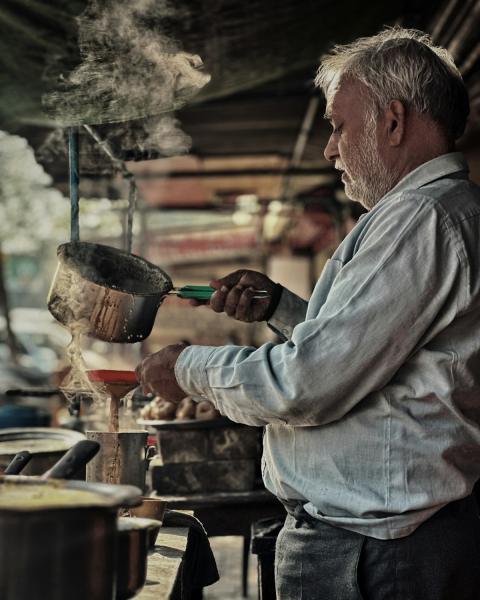 Chai & snacks
 Salons & barbers
For farmhouses, caterers & decorators
Customers check your free dates, pick morning, evening or full day with the number of guests, and send a booking request. You also get a listing in the mainbhionline marketplace for your city.
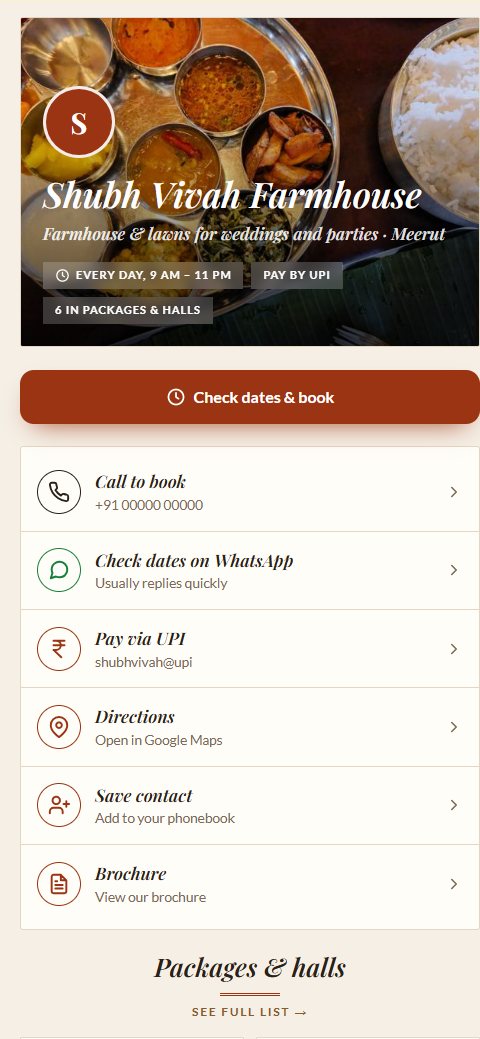 Shubh Vivah FarmhouseFarmhouse & lawns
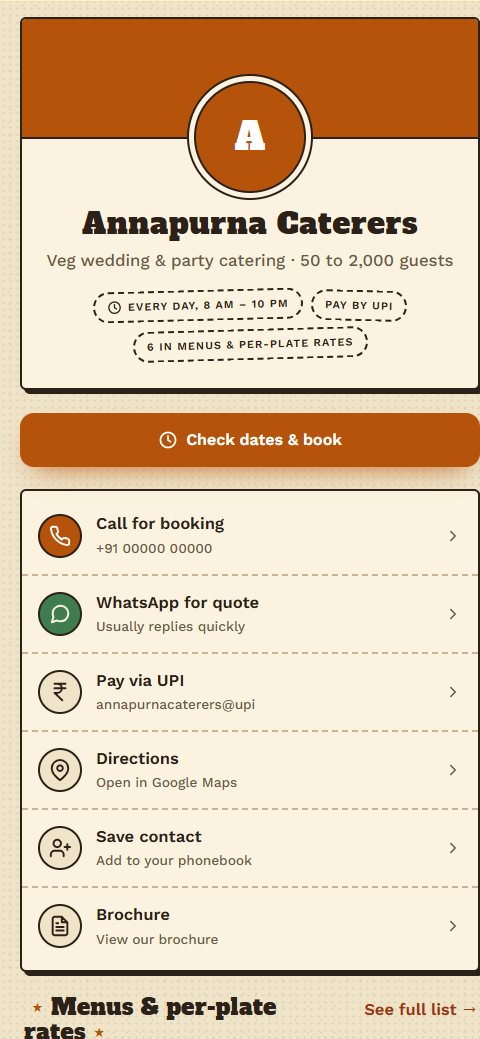 Annapurna CaterersCaterers
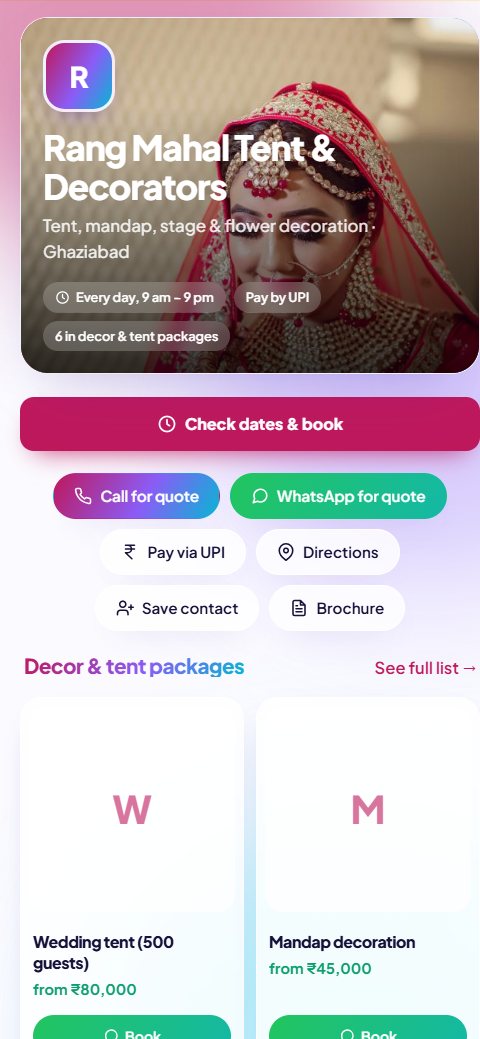 Rang Mahal Tent & DecoratorsTent & decor
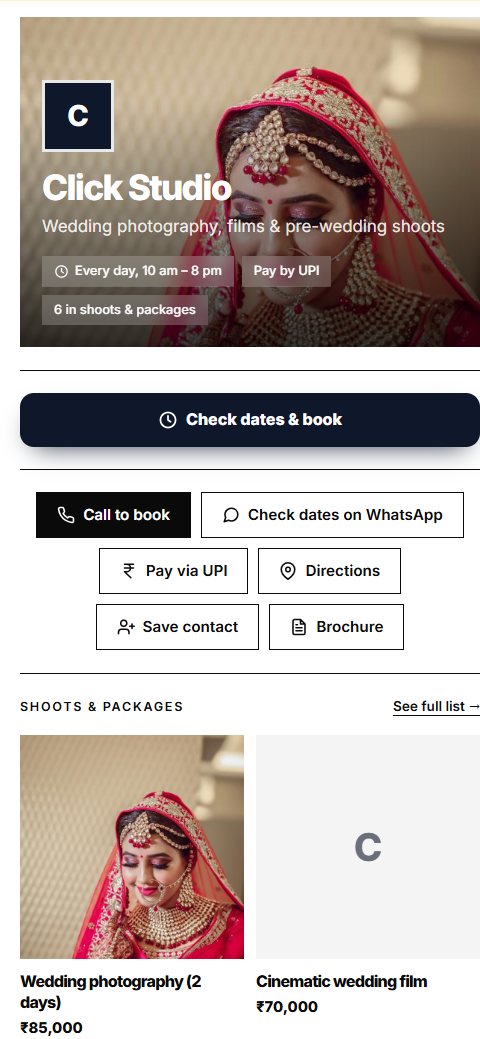 Click StudioPhotographer
- Farmhouses & lawns
- Banquet halls
- Tent house
- Decorators
- Caterers & halwai
- Event planners
- Photographers
- DJ, band & dhol
Planning a wedding or party? Find venues, caterers & decorators near you →
Everything a customer needs, one tap away
Every button is big and easy to tap, and the page loads quickly even on a weak signal.
Online orders, cart & bookings, with live tracking
Customers order from your card, pay by UPI or cash, and watch their order move live, with no app to install. Restaurants get token numbers, shops get packed and out-for-delivery updates, and salons, clinics and garages get time-slot booking. You run it all from one screen with a sound alert for every new order.
STANDARD & PREMIUMA catalogue that sells on WhatsApp
Add your products with photos and prices. Customers tap “Enquire” and WhatsApp opens with the item already written in.
UPI “Pay now” button
Opens any UPI app with your name and UPI ID filled in. Money goes straight to your bank.
STANDARD & PREMIUMA PDF brochure, made for you
Built from your card and catalogue in your design, with your QR code. Customers view it without downloading.
STANDARD & PREMIUM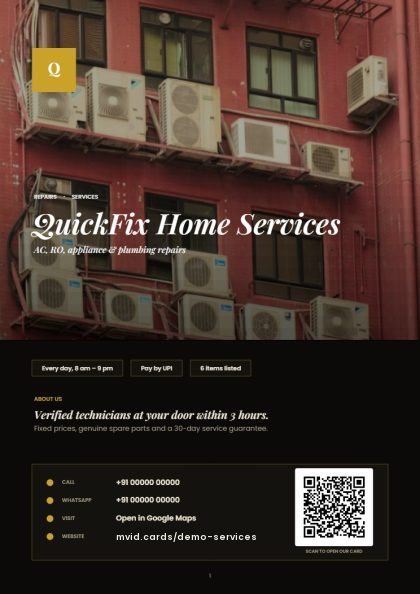
Save Contact
One tap adds you to their phonebook, so they find you again next time.
Directions
Opens your Google Maps location so walk-in customers reach your door.
Built for 3G and 4G
Small pages built on our server, with no heavy apps or scripts.
Safe for your customers
Automatic checks stop pages that pretend to be banks, payment apps or helplines, so people can trust a mainbhionline link.
Run your counter from any screen
Phone, tablet or touchscreen POS. New orders pop up as a desktop notification with a sound; one tap moves them along, and Undo fixes a mis-tap. Pause orders, mark items sold out, print bills and KOTs, and find any past order in seconds.
STANDARD & UPA screen for the kitchen, packing table or your team
A tablet shows the chef, packer, stylist or technician only their tickets, oldest first, with a waiting timer that turns amber then red. They tap Start and Ready themselves, and the counter and the customer see it at once. Restaurants get a Kitchen screen, shops a Packing screen, salons, garages and repair services a Jobs screen with today’s bookings and visit addresses.
PREMIUM & BUSINESSStaff sign in by QR
Print your staff QR. Staff scan it and enter their own username and PIN: Counter staff get the orders desk, work-screen staff only their tickets. No payments, no settings.
PREMIUM & BUSINESSKnow who paid by UPI
After paying, customers send the 12-digit UPI reference from their UPI app. You see it on the order, check it in your own UPI app and tap Mark paid. A reference can never be used twice.
STANDARD & UPYour dashboard, your style
A clean, professional look by default, or pick a theme: Spice, Blush, Care, Fresh or Pulse. Each person can switch tap sounds on or off for themselves.
EVERY PLANLet happy customers sell for you
Real reviews from real customers, collected for you at the right moment and shown right on your card. On every plan.
- 1
Asked at the right moment
When an order is completed, the customer’s tracking page asks “How was it?”. For walk-in customers, send your review link on WhatsApp.
- 2
Reviewing takes 5 seconds
They tap the stars and pick from ready-made lines for your kind of business, or write their own. No app, no sign-up.
- 3
Shown on your card, with your reply
Your average rating and latest reviews appear on your card. Reply from your phone to thank people or fix a problem.
- “Verified order” badge on reviews from orders
- One review per order or per mobile number
- No fake reviews, and shops can’t delete bad ones
- Report abuse; our team checks every report
Open a sample business
Made-up shops set up exactly like real mainbhionline customers. Open one on your phone and try every button: order, book a slot, follow your order live and leave a review.
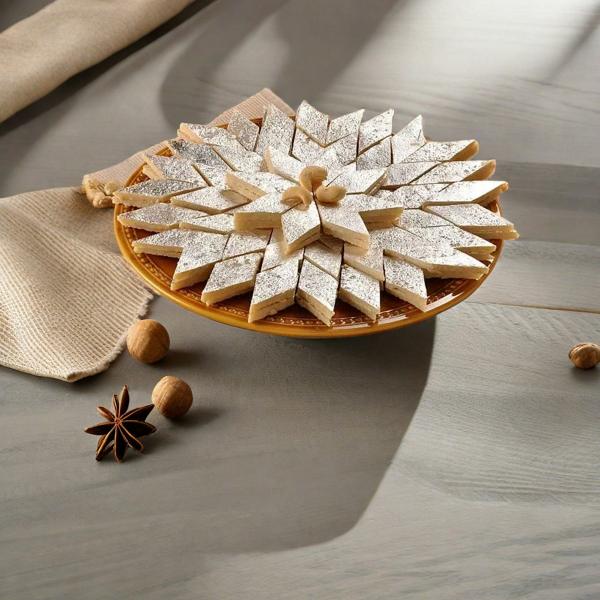


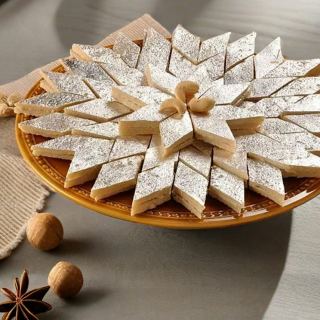
 Kaju Katli₹900 / kg
 Motichoor Ladoo₹520 / kg
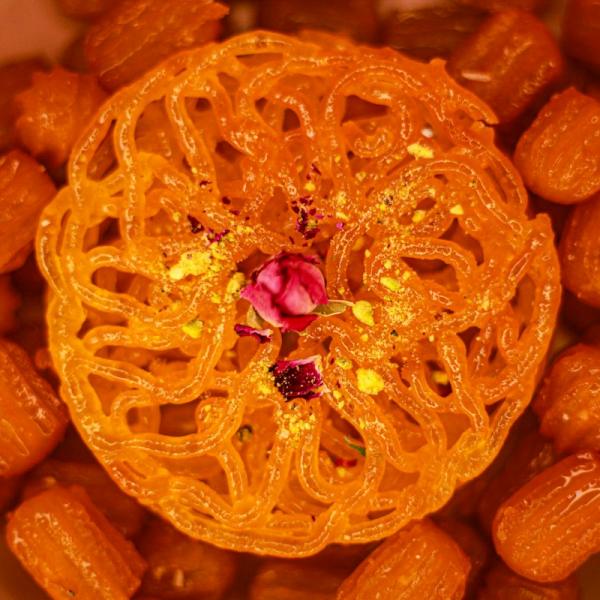 Kesar Jalebi₹360 / kg
 Gulab Jamun₹320 / kg
 Malai Chum Chum₹480 / kg
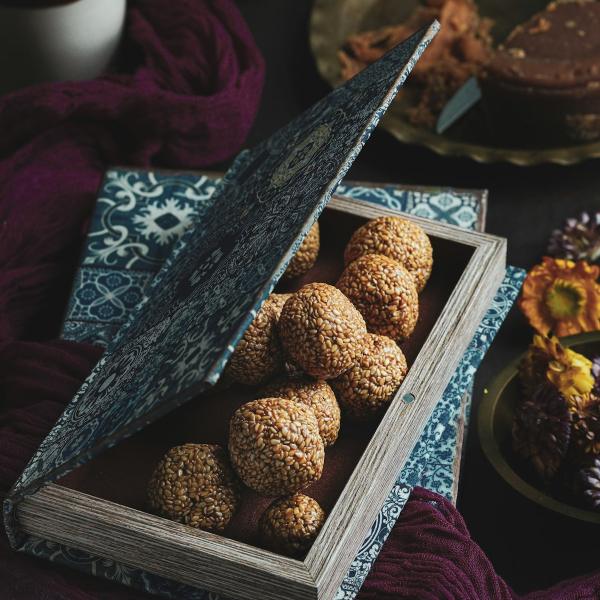 Dry Fruit Ladoo Box₹1,200 / box
Visiting card designs that fit your shop
Real cards from our sample businesses. From warm and traditional to bold and sporty: pick one and switch any time, and your QR code stays the same.
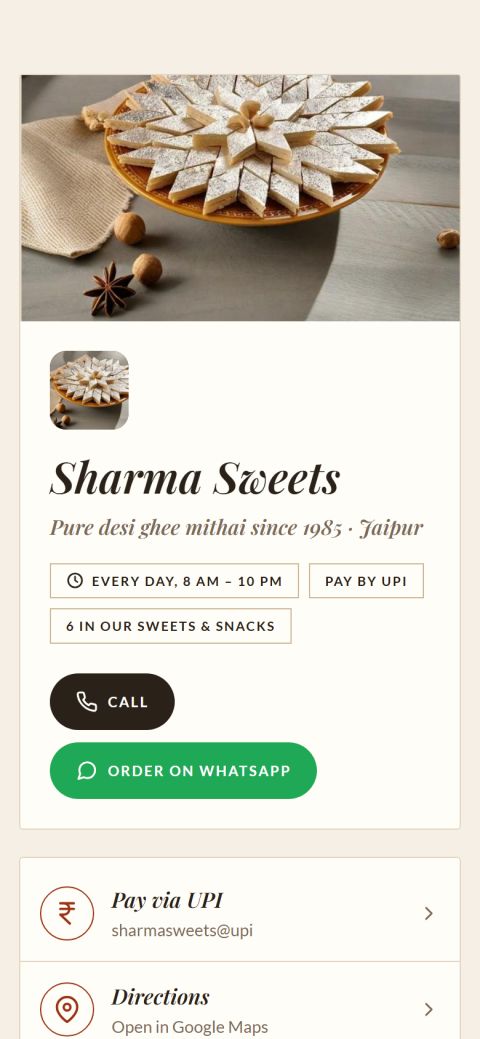 Sharma SweetsHeritage · Premium
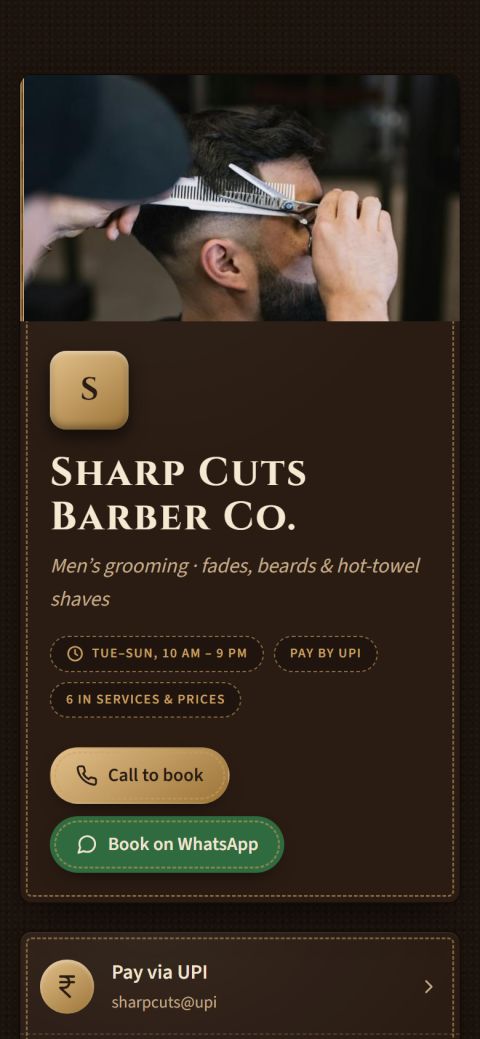 Sharp Cuts Barber Co.Gentry · Premium
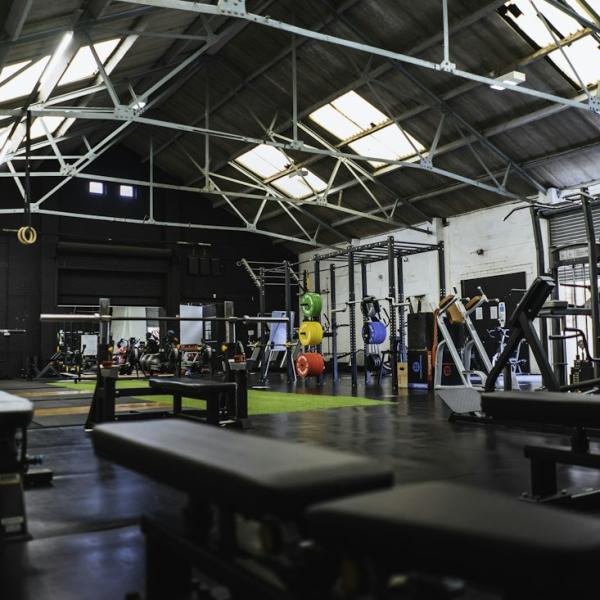
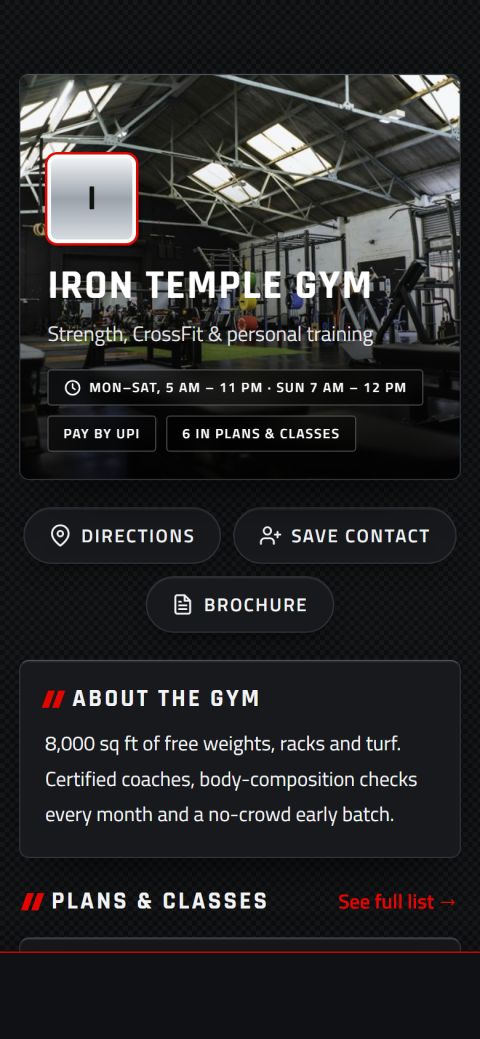 Iron Temple GymElite · Premium
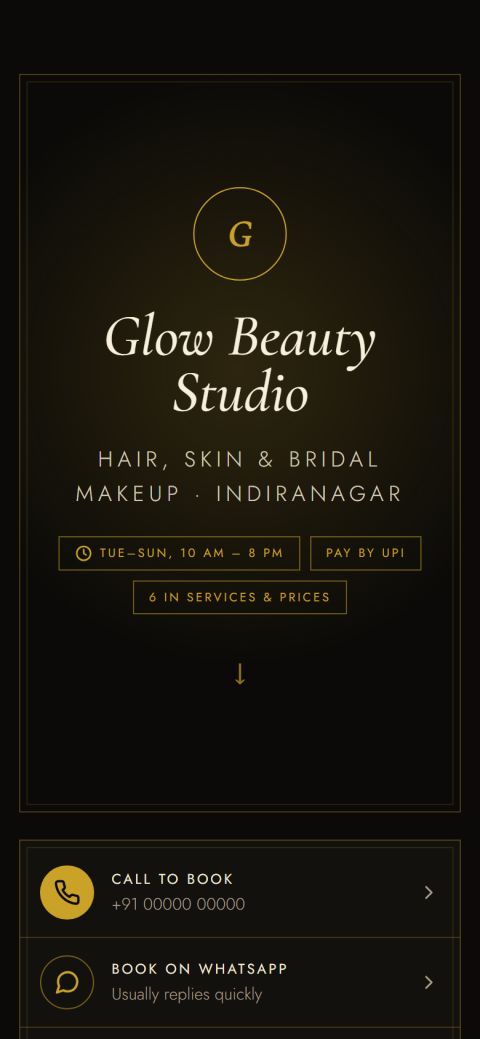 Glow Beauty StudioLuxe · Premium
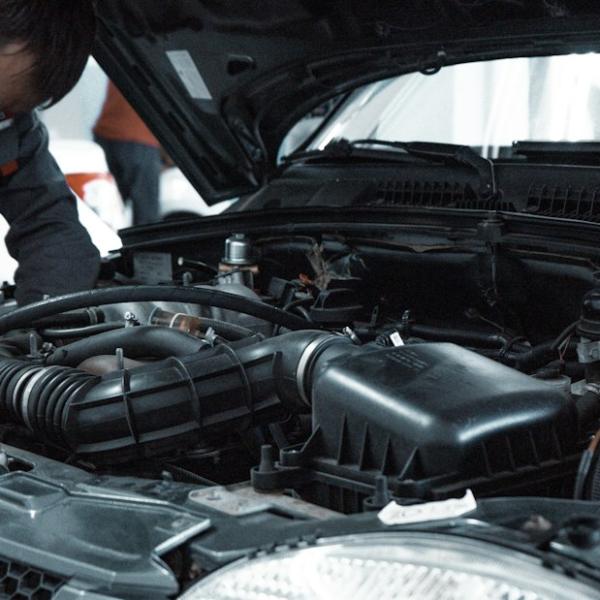
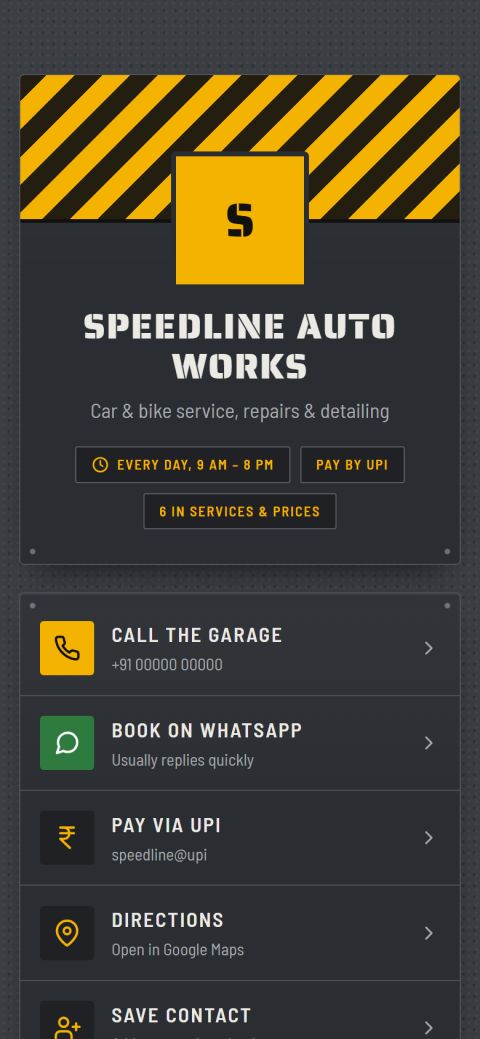 Speedline Auto WorksGarage · Basic
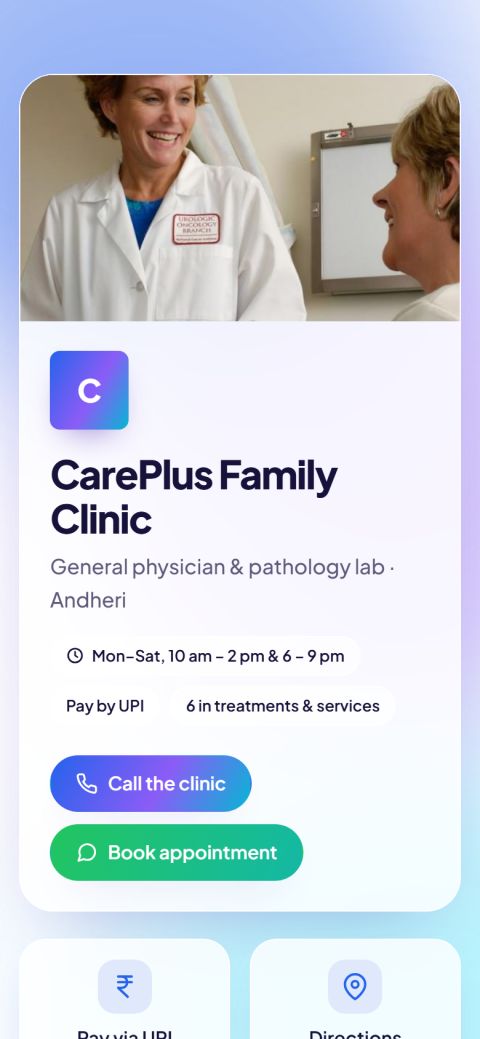 CarePlus Family ClinicClinic · Standard
- Claymorphism
- Frosted glass
- Editorial
- Luxe gold
- Barbershop
- Leather & brass
- Sporty
- Industrial
- Carbon fibre
- Retro
- Bold
- Minimal
Live in three steps
No design skills and no app to install.
- 1
Create your account
Sign up with your email and confirm your mobile number with a one-time code.
- 2
Fill in your card
Add your phone, WhatsApp, location and products, and choose a short link like
mvid.cards/sharma-sweets. - 3
Share your QR code
Download your QR code and print it. Update your card any time without reprinting.
Put your QR code everywhere
One code works on all of them, and it keeps working when you change your details.
- Shop counter
- Bills & receipts
- Packaging & bags
- Visiting cards
- Instagram & WhatsApp status
See what you keep
Delivery apps take a cut of every order. With your own order page, the money stays with you.
Assumes about 25% for Zomato/Swiggy after GST and fees (base commission is typically 18–28%), and about 2.5% for commission-based ordering apps. Your own rates may differ.
Yearly cost on the same orders. mainbhionline Standard: ₹999 a year, no commission.
Simple yearly plans
Every plan starts with a 14-day free trial. Upgrade only if it works for you.
Basic
Get found and contacted.
- Your mini-website + print-ready QR
- Found on Google
- Call, WhatsApp & directions
- Customer ratings & reviews
- 30 designs · 10 items
Standard
Sell online.
- Everything in Basic, plus:
- Online orders & cart
- Bookings: at your place, home visits or tables
- UPI payments, payment check & live tracking
- Orders desk with alerts & Undo
- PDF brochure · 48 designs · 40 items
Premium
Run a busy counter.
- Everything in Standard, plus:
- Table QR ordering
- Bill & KOT printing, GST bills
- Kitchen / packing / jobs screen · 2 staff logins
- Where your orders come from
- Your logo & colour · all 60 designs · 100 items
Business
Grow with your data.
- Everything in Premium, plus:
- Sales & order reports
- Customer list & repeat customers
- CSV downloads
- 10 staff logins · 300 items
- Priority support
Prices in Indian rupees, GST included. A GST invoice for every payment. Change your plan any time.
Questions, answered
What is a digital visiting card?
It’s your visiting card as a small website, opened by scanning a QR code or tapping a link. Unlike a paper card it never runs out or gets lost, and customers can call, WhatsApp, get directions, pay by UPI and see your catalogue in one tap. It’s also called a digital business card.
How do I make a QR code visiting card?
Sign up, add your business name, phone, WhatsApp and address, and pick a design. Your card goes live with its own QR code in about 2 minutes. Download the QR code and put it on your counter, bills, bags or printed visiting cards.
Can I create my business card online for free?
Yes. Create your card online and use it free for 14 days, with no payment details needed. After that, plans start at ₹299 a year (about ₹25 a month).
Is there a visiting card app to download?
No download needed. Your digital business card and your dashboard both work in the phone’s browser on Android and iPhone, so it works like an app without taking up space on the phone.
Can I still print paper visiting cards?
Yes. Add your QR code to your printed visiting cards, so anyone who gets your paper card can scan it for your full digital card. mainbhionline gives you a print-ready QR code; it doesn’t print cards itself.
Do my customers need to install an app?
No. Scanning the QR code opens your card in their phone’s normal browser, on Android or iPhone.
Does UPI money come to me directly?
Yes. The “Pay via UPI” button opens the customer’s UPI app (PhonePe, Google Pay, Paytm, BHIM…) with your UPI ID. The money goes straight to your bank account. mainbhionline never handles your payments.
Can I change my details after printing the QR code?
Yes. Edit your card from your dashboard and the changes go live within a minute. The QR code stays the same, so you never need to reprint. Even if you change your card link, the old link keeps working.
Can I choose how my card looks?
Yes. Pick from 60 designs in 15 styles, from soft claymorphism and frosted glass to barbershop, leather-and-brass, sporty, industrial and carbon-fibre looks for men’s businesses. They’re grouped for restaurants, sweet shops, electricals, salons and barbers, fashion, kirana stores, clinics, gyms, garages, services, and wedding venues, caterers, decorators, planners, photographers and DJs. Use any design you like; Basic includes 30, Standard 48 and Premium all 60. You can switch any time, and your QR code stays the same.
Can customers order and book online?
Yes, on the Standard plan and up. You can offer more than one kind of booking, for example a barber at the salon or a home visit, or a garage at the garage or doorstep pickup, and customers choose when they book. Customers add items to a cart, choose delivery, pickup or dine-in, and pay by UPI or cash. Salons, clinics, gyms, garages and restaurants can take bookings for a date and time. Every customer gets a live tracking page: token numbers for restaurants, packed and out-for-delivery for shops, confirmed and in-the-chair for salons. You run everything from one screen, with a sound alert and an email for each new order. Customers can cancel an order until you accept it, and a booking until an hour before the time.
How do reviews work? Can I remove bad ones?
Only real customers can review you: after a completed order or booking (marked “Verified order”), or through your review link for walk-in customers, one review per mobile number. Customers can tap ready-made suggestions or write their own. You can reply publicly to every review and report fake or abusive ones; our team checks reports and hides reviews that break the rules. Shops can’t delete reviews themselves, so customers can trust your rating.
Can I add products in Hindi or other languages?
Yes, your card and catalogue pages show any language. The PDF brochure (Standard and Premium) currently prints English letters only.
What happens when my free trial ends?
Your card is paused until you choose a plan. Nothing is deleted: your details, catalogue and QR code are kept.
How do I upgrade or pay for a plan?
Open Plans in your dashboard and pick a plan. You pay securely on Razorpay (UPI, cards, net banking or wallets), and your plan switches on as soon as the payment is confirmed: for one year, or added to the time you have left. Prices include GST, and every payment comes with a GST invoice you can download. Add your GSTIN on the Plans page if you want it on the invoice.
Can my staff use it without my password?
Yes, on Premium (2 staff) and Business (10 staff). Print your staff QR; staff scan it and sign in with their own username and 6-digit PIN. Counter staff use the orders desk (take and update orders, print bills). Work-screen staff, like a chef, packer, stylist or technician, see only their tickets and tap Start and Ready. No staff can change your card, prices, plan or payments.
How do I know a customer really paid by UPI?
UPI money goes straight to your bank, so you check it in your own UPI or bank app. To make it quick, customers send the 12-digit UPI reference from their UPI app after paying; it shows on the order next to the amount. Check it, then tap Mark paid. The same reference can’t be used on two orders, and a pending or failed payment never counts until you confirm it.
Is the kitchen screen only for restaurants?
No. It follows how you work: restaurants and cafés get a Kitchen screen, shops a Packing screen, and salons, garages, clinics and repair services a Jobs screen with today’s bookings. Any business can use it.
Can I print GST bills for my customers?
Yes, on Premium and Business, and it’s optional. Switch on GST bills in Orders › Settings, enter your GSTIN and pick your GST rate. Your prices stay the same; the bill shows the tax inside them, with an invoice number.
Why was my card flagged for review?
To protect the public, cards that look like a bank, payment app or support helpline, or that use link shorteners, are held for a quick manual check. If yours was flagged by mistake, contact us and we’ll approve it.
Get your card live today
Create your free account, fill in your details and share your first QR code in minutes.
