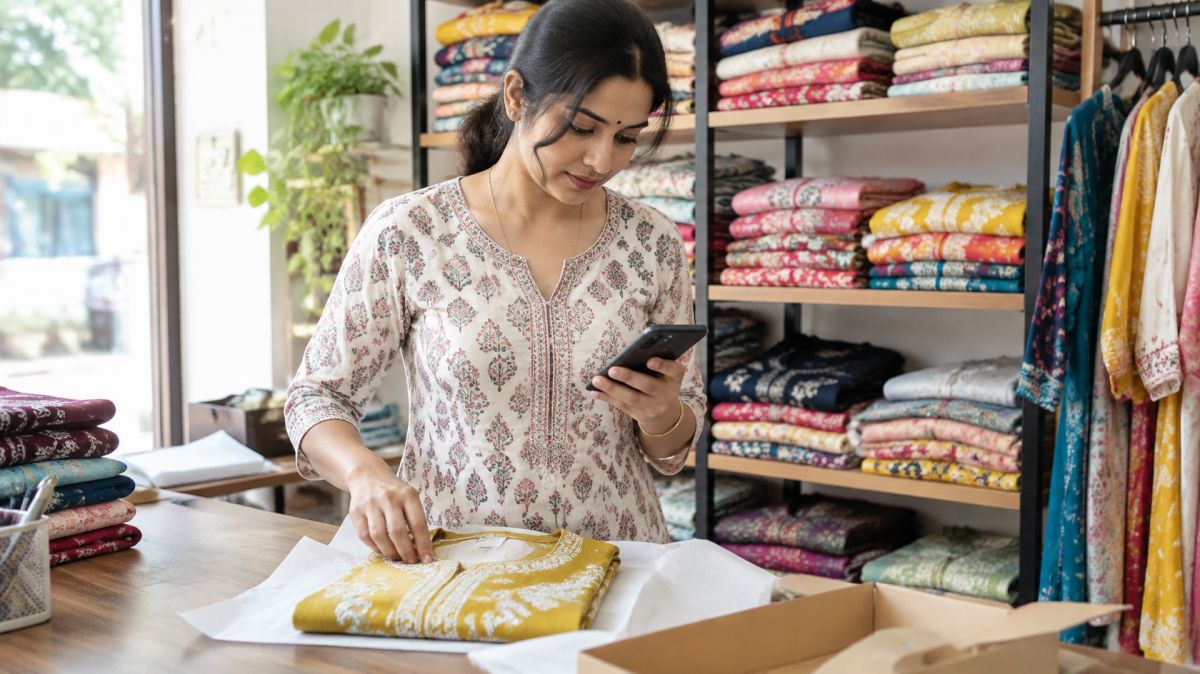
Why WhatsApp works so well for local shops
Your customers already know you, and they already have WhatsApp open all day. When they order from you on WhatsApp, the relationship stays between the two of you. You know who they are, you can thank them, remind them, and serve them better next time. They come back to you, not to an app that might send them to whoever pays the app more.
It also costs nothing. There is no listing fee and no commission on each order. Every rupee the customer pays reaches your account.
What you can do with it
- Show a catalogue of your products with photos and prices
- Take orders and confirm them in writing
- Collect payment by UPI or cash on delivery
- Tell regular customers about fresh stock or festival orders
- Answer common questions in one tap with saved replies
First decision: which number to use
Use a number that belongs to the shop and stays with the shop. Many shopkeepers use their personal number at first and later wish they hadn’t, because family chats and customer orders get mixed up.
- Best: a separate SIM just for the shop, kept in the shop phone.
- Fine to start: your own number, moved to WhatsApp Business. You can still chat with family on it.
- Avoid: a helper’s personal number. If they leave, your customers leave with them.
WhatsApp Business can run on the same phone as your normal WhatsApp, as long as each uses a different number.
Set up WhatsApp Business, step by step
- Install “WhatsApp Business” from the Play Store or App Store. It’s free and separate from normal WhatsApp. If you are moving an existing number, back up your chats first.
- Business name: use the name on your board. You can change it later, but customers recognise a name they know.
- Profile photo: your logo, or a clear photo of your shop front. Not a selfie or a god’s picture; customers need to recognise you in their chat list.
- Business profile: fill in category, a short description, address, hours, email if you have one, and a link to your page or Google profile.
- Catalogue: add your products (see the next section).
- Messaging tools: set a greeting message, an away message and quick replies (ready-made text is below).
- Labels: create labels like “New order”, “Paid”, “Ready”, “Delivered”, “Regular”.
Make a catalogue customers actually use
A good catalogue answers questions before they’re asked, so customers order instead of asking “price?” twenty times.
- Start with your 20 best sellers. Add more once orders start.
- Use names customers say out loud: “Kaju katli 500 g”, not “KK-500”. “Cotton kurti, size M–XXL”, not “Item 23”.
- Always show the price. If it varies, write “from ₹450” and say what changes it.
- One clear photo per item, in daylight, on a plain background. Show the actual product, not a picture from the internet.
- One line of detail: weight, size, colours, what’s included, how long it keeps.
- Group into collections: “Sweets”, “Namkeen”, “Gift boxes”, or “Suits”, “Sarees”, “Dupattas”.
- Hide or remove items you don’t have instead of saying “sorry, finished” after the customer has chosen.
Ready-to-use messages
Change the words to suit your shop, but keep them short and warm.
Greeting message (for new customers)
Namaste! Thank you for messaging Sharma Sweets. See our items and prices in the catalogue above. To order, send item, quantity and your address. We deliver in Begum Bridge and nearby, 10 am to 8 pm.
Away message (when the shop is closed)
Thank you for your message! We’re closed right now and open again at 9 am. We’ll reply as soon as we open.
Quick replies (type “/” to use them)
- /upi — “You can pay by UPI to sharmasweets@upi. Please send a screenshot after paying. Thank you!”
- /delivery — “We deliver within 3 km. Free above ₹500, otherwise ₹30. Orders before 12 pm arrive the same day.”
- /timing — “We’re open 9 am to 9 pm, every day except Tuesday.”
- /thanks — “Thank you for ordering with us! Please tell us how you liked it.”
Taking an order, start to finish
Here is what a smooth order looks like:
- Customer: “1 kg kaju katli and 500 g namkeen. Shastri Nagar, H-24.”
- You confirm everything in one message: “Kaju katli 1 kg ₹900, namkeen 500 g ₹160. Total ₹1,060, delivery free. Ready by 5 pm today. Pay by UPI or cash on delivery?”
- Customer: “UPI.” You send /upi.
- Check the payment in your bank or UPI app (not just the screenshot), label the chat “Paid”.
- When it leaves the shop: “Your order is on the way with Raju, 9876… Will reach in 20 minutes.”
- After delivery: send /thanks and the bill if they want one. Label “Delivered”.
Always confirm the total, the time and the payment method in writing before you start packing. It prevents most arguments later.
Payments: simple and safe
- UPI to your own UPI ID or QR is the simplest. The money goes straight into your bank account.
- Cash on delivery is fine for regular customers and nearby orders.
- Advance for custom orders (a cake with a name, a stitched outfit, a large party order): ask for half in advance. It’s normal and protects you if the customer cancels.
Protect yourself from payment tricks
- Never trust only a screenshot. Fake payment screenshots are common. Check that the money has actually arrived in your bank app, UPI app or sound box before handing over goods.
- You never need to enter your UPI PIN to receive money. If someone sends a “collect request” or a QR code and says “enter PIN to receive”, it’s a fraud.
- Never share an OTP with anyone who calls claiming to be from a bank, WhatsApp or a delivery company.
- Be careful with very large first orders from unknown numbers asking you to send goods far away before paying.
Delivery that doesn’t eat your profit
- Decide your area: for example, within 3 km. Say it clearly in your profile and greeting.
- Set a rule for charges: free above a minimum order, a fixed small charge below it.
- Use delivery rounds instead of running for every order: “Orders by 12 go out at 1 pm; orders by 5 go out at 6 pm.”
- Offer pickup: “Ready at the counter in 15 minutes” is often easiest for both of you.
- Share a delivery boy with one or two nearby shops if you don’t have enough orders to keep one busy.
Getting more customers to message you
- QR code on the counter, bills and carry bags. WhatsApp Business can show a QR for your chat; print it.
- Your WhatsApp link is wa.me/91 followed by your 10-digit number. Put it in your Instagram bio, Facebook page and Google profile.
- Ask every customer at the counter to save your number. “Save this number for orders and offers” works well. This matters, because of the next point.
- Status updates: post fresh stock, today’s special, festival orders. Only people who saved your number see your status.
- Broadcast lists: send one message to many customers at once, and each gets it like a personal message. Broadcasts reach only people who saved your number, which keeps them for customers who actually want to hear from you.
- Society and colony groups: ask the admin before posting, and post rarely. One good post with a photo, price and your number is better than daily ads.
Ideas for status updates
- “Fresh jalebi ready now, till 11 am”
- New arrivals with prices
- Festival pre-orders open, with the last date
- A happy customer’s message (ask them first)
- Behind the scenes: sweets being made, a suit being stitched
Keep records without extra work
- Labels show at a glance which orders are new, paid, ready or delivered.
- A simple notebook or sheet with date, customer, items, amount and how they paid.
- At month end, look back: which items sold most, who your top 20 customers are, which days are busiest. Stock and plan around that.
- Mark your regulars with a label, and message them first when something they like comes in.
When something goes wrong
- Late or wrong order: say sorry quickly, fix it, and don’t argue in writing. A small extra next time keeps the customer.
- Customer says it wasn’t good: ask what was wrong, offer a replacement or refund where fair, and thank them for telling you instead of just leaving.
- Customer doesn’t pay: remind politely once with the order details. For new customers, ask for UPI before delivery next time.
Respect your customers’ phones
- Ask before adding anyone to a list or group, and remove anyone who asks.
- One offer message a week is plenty. Too many, and people block or report you, which can get your number restricted.
- Reply within a few hours, even if it’s just “Will check and tell you by evening”.
- Don’t forward jokes, news or good-morning messages from the shop number.
- Keep customers’ numbers and addresses private. Never share them with other businesses.
When orders grow
Typing out the same menu and prices again and again gets tiring, and long chats make mistakes easy. A simple order page, where customers tap the items they want and send you one WhatsApp message with the full order and total, saves time for both of you. Tools like mainbhionline do this, but WhatsApp on its own is a fine place to start. Grow when you need to, not before.
This guide is general information to help local shops. It is not professional advice.
