Why this matters for a local shop
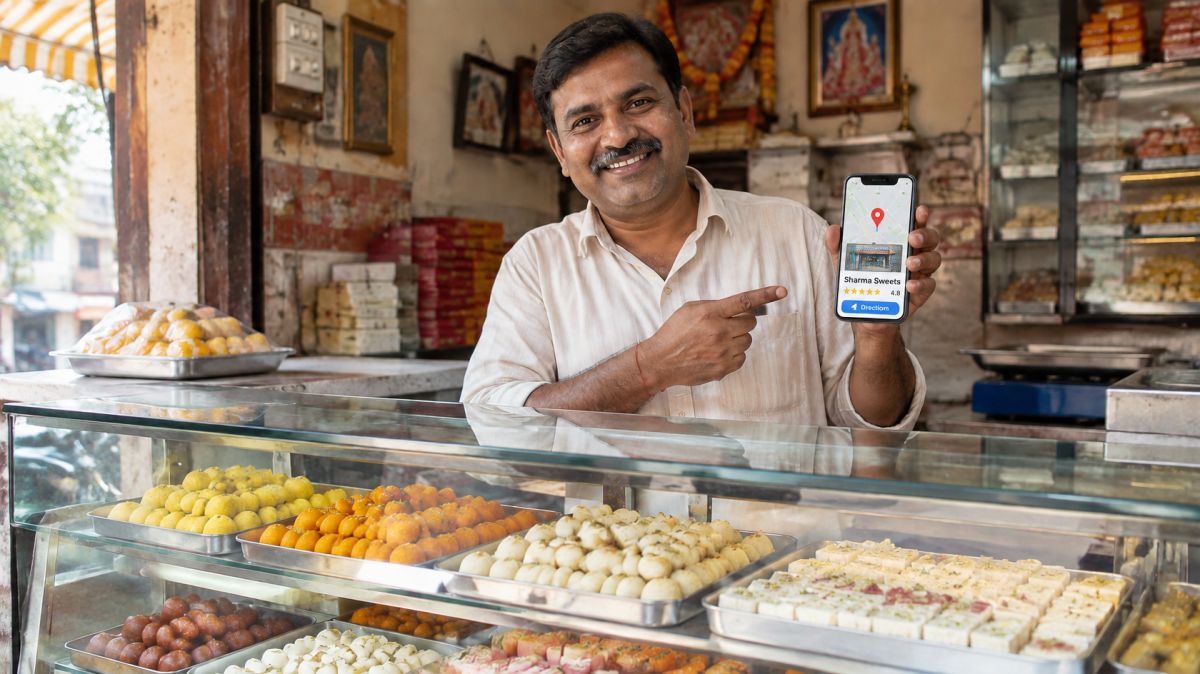
Most people check their phone before they step out. Is the shop open? How do I get there? What’s the number? Do other people like it? Google Maps answers all of these in one place, and it is often the very first thing a new customer sees about you, before your board, before your counter, before you.
A complete Google profile shows:
- your shop name, category and photos
- your opening hours, including holidays
- a Call button and a Directions button
- your star rating and what customers say
- a link to your page, menu or catalogue
It costs nothing, and the profile belongs to you, not to any app. Customers who find you there call you or walk in directly, with no one in the middle taking a cut.
Who should do this?
Every local business with a fixed place or a fixed area: kirana and general stores, sweet shops, restaurants, salons, clinics, tailors, garages, hardware and electrical shops, coaching centres, and also people who go to customers, like plumbers, electricians, caterers and decorators.
Keep these ready before you start
- Your shop name, exactly as it is written on your board. Not a longer version with extra words.
- Full address with shop number, market or building, a landmark and PIN code.
- A phone number you actually answer during shop hours. A missed call from Google is a lost customer.
- Opening hours for each day, and your weekly closed day.
- 10 good photos (see the photo list further down).
- A Gmail account. If you don’t have one, make one free. Use one that you, not your nephew or a helper, will always have access to.
- A short description of your shop in 2–3 lines. You can write it in the profile later.
Step by step: creating your profile
- Open google.com/business on your phone or computer and sign in with your Gmail account. On a phone you can also open the Google Maps app, tap your profile photo at the top, and choose “Add your business”.
- Type your shop name. As you type, Google may show a matching business. If your shop already appears, someone (maybe a customer) added it before. Choose it and claim it instead of making a new one; you’ll find out how below.
- Choose your main category. Pick the closest match to what you mainly do: “Sweet shop”, “Grocery store”, “Tailor”, “Beauty salon”, “Auto repair shop”. Your main category matters more than anything else for which searches you show up in. You can add more categories later, like “Bakery” or “Namkeen shop”.
- Tell Google whether customers visit you. If you have a shop or office where customers come, say yes and enter the address. If you only go to customers (electrician, caterer, pest control), say no and add the areas you serve instead. Your home address then stays hidden.
- Put the pin exactly on your shop door. Google places a pin from your address, and it is often a little off. Zoom in on the map and drag the pin to your exact door. In crowded markets this one step saves customers from walking up and down the wrong lane.
- Add your phone number and a link. The link can be your website, your digital card, or a page with your menu or catalogue. If you don’t have one yet, you can skip it and add it later.
- Verify that it’s your business (more on this below). Until you verify, your edits may not show to customers.
- Fill in everything else once verified: hours, photos, description, products, services and attributes.
Verification: what to expect
Google needs proof that you really run this business at this place. Which method it offers depends on your business and area. Common ones are:
- A short video recorded on your phone in one continuous take.
- A phone call or SMS with a code to your business number.
- An email with a code.
- Sometimes a live video call with a Google staff member.
Tips for a video that gets accepted
- Record in daylight, in one take, without editing.
- Start outside: show your shop board clearly, then the street, a nearby landmark or the neighbouring shops, so Google can match the place to the map.
- Walk inside and show what you sell or the equipment you use: shelves of stock, the sweet counter, the salon chairs, the sewing machines.
- Show something that proves you run it: opening the shutter with your key, the cash counter, your billing machine, or you at work.
- Keep it to a minute or two. You don’t need to speak.
Video checks can take a few days. If one is rejected, read the reason, record again with the missing part, and resubmit. Don’t make a new profile.
If your shop is already on Google
Many shops find that they already appear on Maps, sometimes with wrong hours or an old phone number, because a customer or Google itself added them.
- Search your shop name on Google Maps and open it.
- Look for “Own this business?” or “Claim this business” and follow the steps. You’ll verify the same way as above.
- If someone else already manages it (a former partner, a relative, an agency), Google lets you request access. The current owner gets a message; if they don’t reply in a set time, Google may let you verify yourself.
- If there are two listings for your shop, claim the one with more reviews and ask Google to mark the other as a duplicate. Never run two profiles for one shop.
Fill your profile completely
A profile with only a name and address is easy to ignore. A complete one gets more calls and walk-ins. Work through each part:
Description
Write 2–4 plain sentences about what you sell, who you serve and what makes you different. For example: “Family sweet shop in Begum Bridge since 1985. Fresh desi ghee sweets made daily, namkeen, and gift boxes for weddings and festivals. Orders on WhatsApp and home delivery in nearby areas.” Don’t stuff it with keywords or phone numbers.
Hours
Set your regular hours for each day. Then use special hours for festivals, Sundays you open late, or days you shut early. If you close for a while (renovation, family wedding), mark the profile as temporarily closed rather than leaving people to find a shutter.
Products and services
Add your main items with a photo and price where you can: your best sweets, your stitching rates, your service packages. These show on your profile and help customers decide before calling.
Attributes
Google offers small tags like “Wheelchair accessible”, “Home delivery”, “Accepts UPI”, “Women-owned”. Tick the ones that are true.
Photos: the 10 to start with
- The front of your shop with the board, in daylight
- The front from a little distance, so people recognise the spot
- The inside, wide, clean and well lit
- Your counter or main display
- Your three best-selling products, one photo each
- You and your team at work (customers like to see faces)
- Your packing or gift boxes
- A festival or busy-day photo
Take photos in good light, hold the phone straight, and clean the lens first. Avoid heavy filters and text on photos. Add new ones every month or two.
Reviews: how to get them and how to reply
Reviews are what convince a stranger to try you. They also help you show up higher in searches.
How to ask
Ask at the right moment, when a customer is happy: they’ve just praised your food, or picked up a stitched suit they love. Keep it simple and personal:
“Thank you ji! If you have one minute, a review on Google would help us a lot. Here’s the link.”
Get your review link from your Google profile (look for “Ask for reviews” or “Share review form”) and keep it ready on WhatsApp. You can also print it as a QR code at the counter.
What not to do
- Don’t offer a discount or gift in return for a review. Google’s rules don’t allow paid or rewarded reviews, and they can be removed.
- Don’t write reviews for yourself or ask family to pretend to be customers.
- Don’t buy reviews from anyone, ever. They get removed and can harm your profile.
How to reply
Reply to every review, good or bad. Other customers read your replies.
- Good review: thank them by name and mention something specific. “Thank you Priya ji! Glad the kaju katli reached your family fresh. See you at Diwali.”
- Bad review: stay calm, don’t argue in public, apologise for their experience and offer to fix it. “Sorry about the late delivery, Rakesh ji. That’s not how we want to serve you. Please call us on our shop number; we’ll make it right.” Then actually call and fix it. Many unhappy customers change their review when they feel heard.
- A review that is fake or abusive: you can report it from your profile. Reply once, politely, so others see you handled it.
Keep it working: 15 minutes a month
- Check your hours for the coming month’s festivals and holidays.
- Add 2–3 new photos: new stock, seasonal items, your shop decorated.
- Post one update: fresh arrivals, festival orders open, a new service. Keep it short with a photo.
- Reply to new reviews and messages.
- Look at your profile’s performance numbers: how many people called, asked for directions or visited your link. If calls are going up, it’s working.
- Answer the phone. All of this is wasted if calls from Google go unanswered.
Mistakes to avoid
- Adding extra words to your name, like “Sharma Sweets Best Sweets Meerut Cheap”. Use the name on your board. Extra words break Google’s rules and can get the profile suspended.
- Making a second profile for the same shop. Claim and fix the old one.
- A wrong pin, leaving customers lost in the next lane.
- Changing your name or category again and again. Each big change may trigger a fresh check.
- Using a phone number nobody answers, or a number of someone who might leave.
- Paying people who call and promise a “Google listing” or “top ranking”. You can do all of this yourself, free. Nobody can guarantee you the top spot.
- Setting it up once and forgetting it. Old photos and wrong hours slowly push customers away.
Help your whole market get on Maps
In many markets, half the shops still don’t show up on Google Maps, or show with wrong details. When every shop in a market is listed properly, people searching for anything in that area find your market, and walk past your shop too.
Try a “Google Maps day”: one Sunday morning, two or three shopkeepers who are comfortable with phones help the others set up their profiles, 15–20 minutes each. Use the same market name everywhere, like “Begum Bridge Market”, so the whole market comes up together. Read more in how shops in one market grow together.
This guide is general information to help local shops. It is not professional advice.
